
Works with ChatGPT and Claude
Your AI coaches. Kronos trains.
Create your workout in ChatGPT or Claude. Check the preview, save it to Kronos, then open it on your phone and train.

Upper body strength. Barbell and rack, 40 minutes.
KRONOS Preview
Upper Body Strength
- Warm-up
- Barbell Overhead Press 4 sets · 5 reps · 42.5 kg
- 3 more parts
That looks good, please save it.
KRONOS Saved
Open Kronos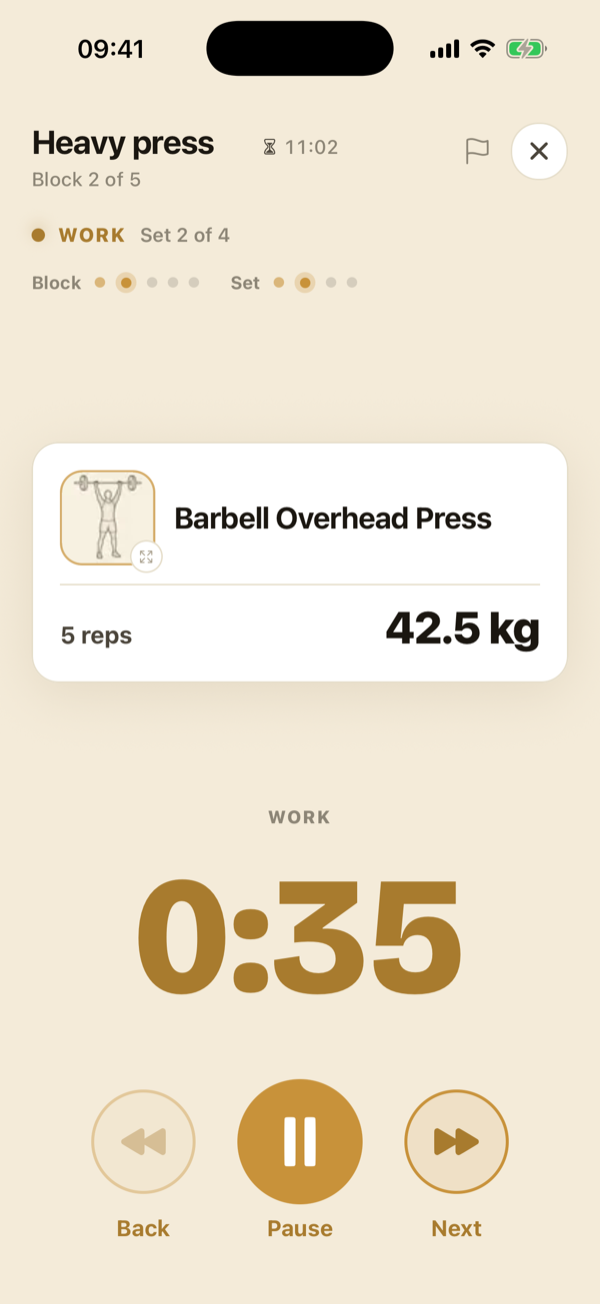
Review it, then start it.
Open the workout on your phone and tap Start when you’re ready. Follow the exercises and rest timers, then log the sets you did.
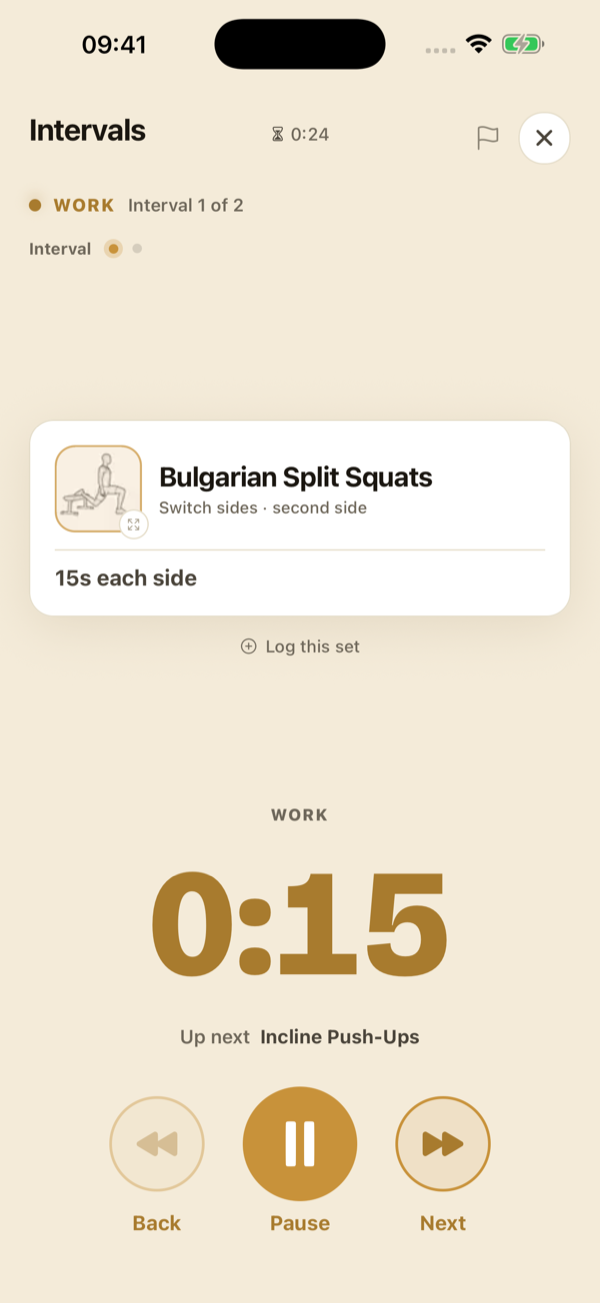
A plan arrives as a draft.
Saving a plan does not replace the one you’re following. Review the draft in Kronos. If you already have a plan, choose to add it after the last week or replace it.
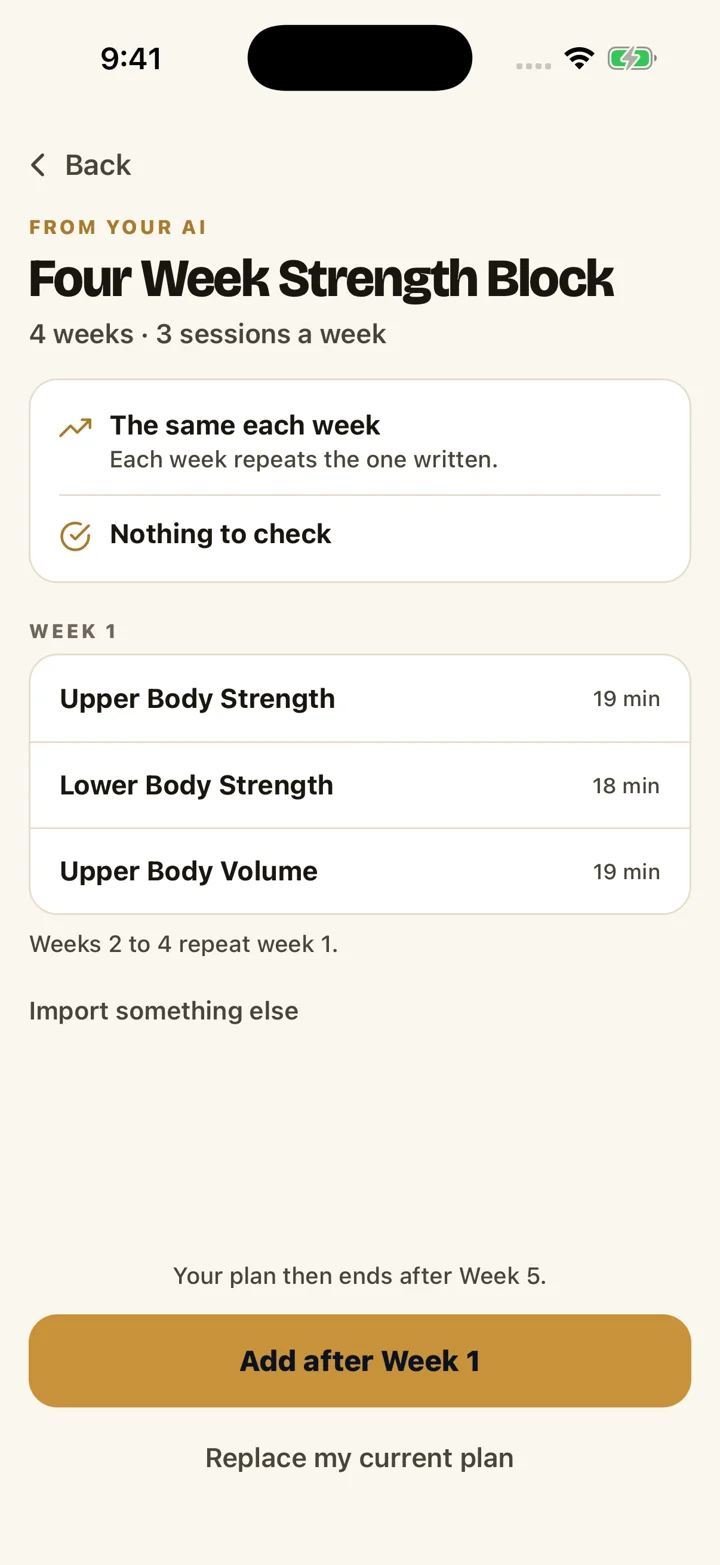
Change a session you haven’t started.
Ask your AI to suggest a change. Check the preview before it updates your week.
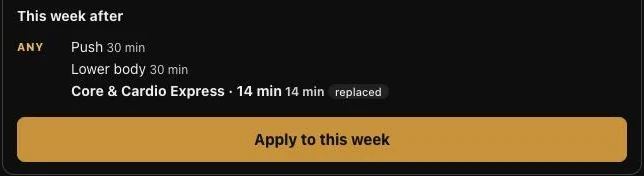
Set it up
You need a Kronos account and the app on your phone. Set it up on a computer or on your phone: either way, you approve it in the Kronos app. See which features your account includes on the pricing page.
On a computer
- Choose your AI above. In ChatGPT, select Install, then Connect. In Claude, select Connect.
- A Kronos page opens and shows a code.
- In the Kronos app on your phone, open Profile, then Connected AI. Type the code under Enter a code, then approve.
On your phone
- In Kronos, open Profile, then Connected AI, and choose ChatGPT or Claude. Or tap a button above.
- In ChatGPT, tap Install, then Connect. In Claude, tap Connect.
- When it asks you to sign in, tap Approve in Kronos.
Find it yourself
In ChatGPT, open Plugins and search for Kronos. In Claude, open Customize, then Connectors, and search for Kronos.
Then
Start a new chat and ask for a workout or a plan. In ChatGPT you can type @Kronos to call it directly.
What to ask
- "Make me a 40-minute back workout with dumbbells and send it to Kronos."
- "Move Pull to Saturday and make it heavier."
What to expect
Workouts, plans and week changes have a preview to check before you save or apply them. Timers save directly to your timers. Nothing starts by itself. Your AI can change sessions you have not started, this week or next, and add weeks to your plan. It can never change a session in progress, a past week or anything finished.
Your data
You choose what each app can do when you connect. Through the connector, Kronos does not send your heart rate, how a session felt, injuries, personal session notes, body measurements or email to your AI. Read the privacy policy.
Disconnect
In Kronos, open Profile, then Connected AI, then Disconnect. Access stops immediately. What you saved stays in your account.
Help
If something doesn't work, contact support, or ask your AI to send feedback to Kronos.